
Black Projector Screen Paint
From د.إ878.00
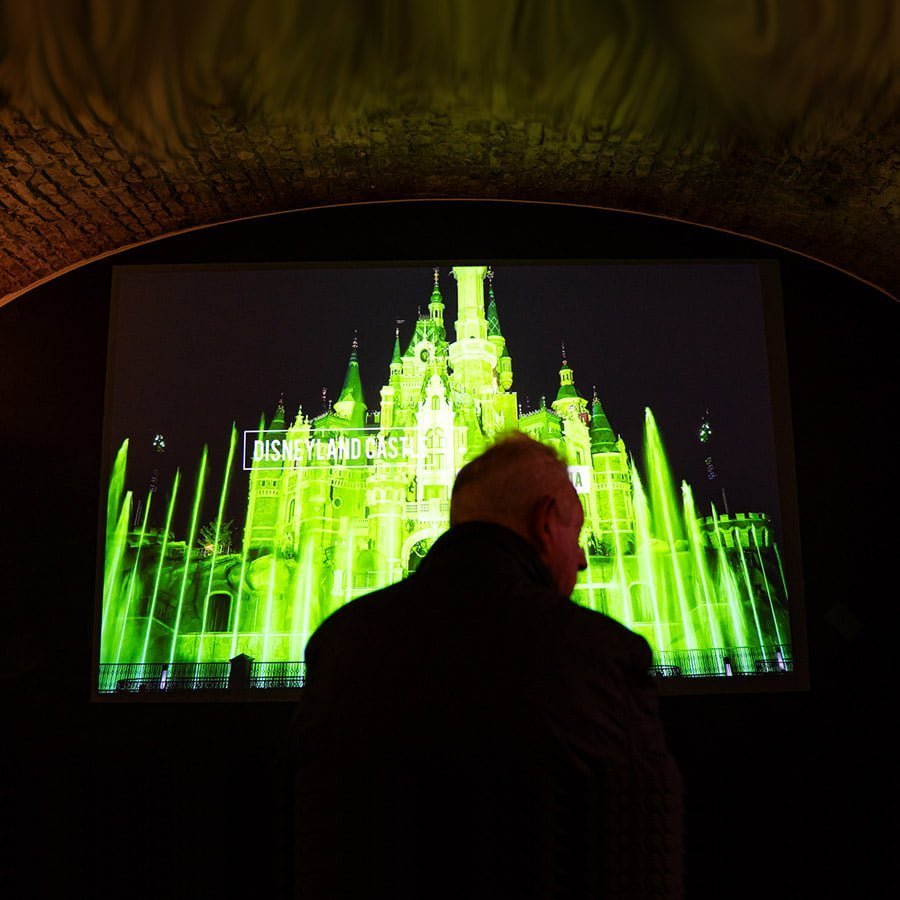
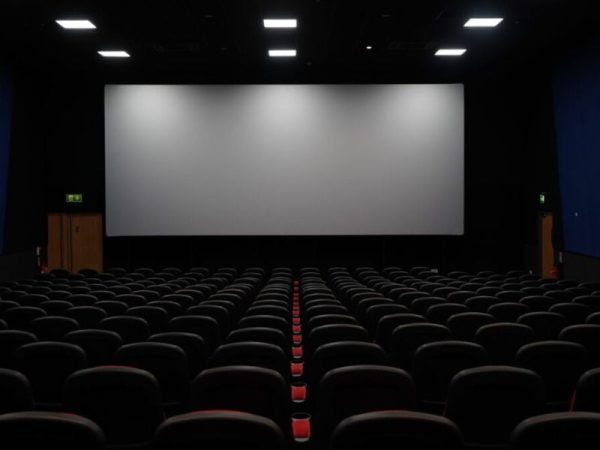
Black projector screen paint converts any smooth wall into a projection surface, producing deep black levels and outstanding contrast for an immersive view in low-light environments.
5-Year Guarantee
Commercial-Grade
No Glare or Hotspots
Ready in 24 Hours
- Built for projection setups that demand very low gain for maximum contrast.
- Produces rich black levels, enhanced contrast, and consistently clear image quality.
- Low VOC, solvent-free, PFOA and PFOS free, and completely isocyanate-free.
- Suitable for wallboards, metal, concrete, plaster, wood, and composite materials.
Express delivery in 3-5 working days

Secured Transaction

Easy Returns

Free Shipping above AED 420

Buy now, pay later with Stripe
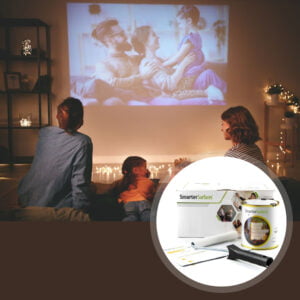
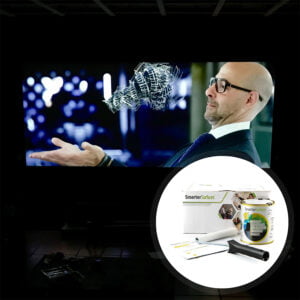
Why Choose Black Projector Screen Paint
Designed to deliver premium projection results in controlled lighting environments where black depth and contrast levels are the defining factors of image quality.

Rich Black Depth
Strengthens darker areas with greater depth and definition for a truly immersive result.

Ready for Dark Rooms
Optimised for dark environments with low ambient light, ensuring maximum visual impact.

High-Resolution
Supports HD, 4K, and 8K projection, keeping sharp detail and accurate colour reproduction.

Hotspot-Free Projection
Gives a uniform finish that reduces reflections & removes hotspots across the screen area.

Ultra Matt Finish
Matt coating sharpens pixel definition & improves overall clarity for a cinema-quality surface.
Technical Specifications
Colour: Black
Finish: Matt
VOC: Less than 0.13%
Odour
Very Low
Viewing Angle
140 degrees
Minimum Recommended Lumen Value
2,500 Lumens
Projector Requirements
HD, 4K, and 8K Projector
Lighting
Works in very dark rooms
4K & 8K Ultra HD Ready
Gain Value @ 90 °:
0.20
Screen Size/ Coverage/Volume:
- 4.5 m² : 320 cm / 279 x 157 cm at 16:9 Aspect Ratio, 1.19kg / 880ml
- 25 m² : 764.5 cm / 667 x 375 cm at 16:9 Aspect Ratio, 6.58kg / 5l
Built and tested with leading projector brands, including Sony, Panasonic, Epson, BenQ, LG, and Optoma
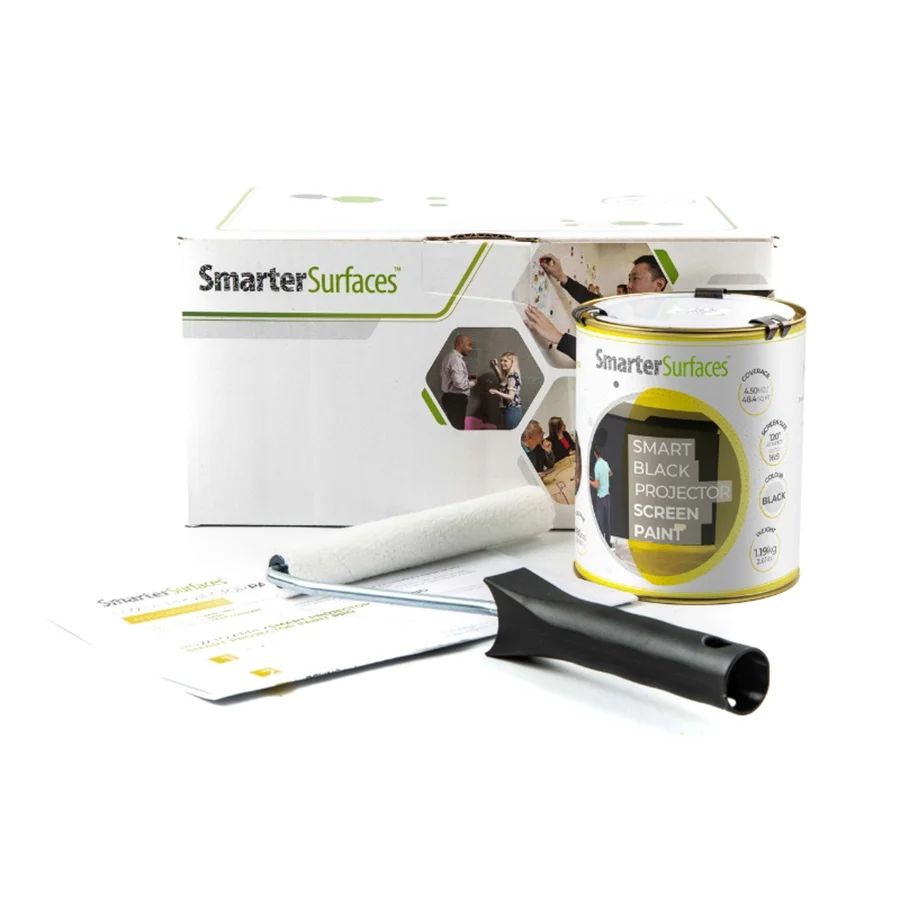
4.5 m²
- Black Projector Screen Paint
- Roller Handle
- Roller Sleeve
- Stirring Stick
- Application Guide
25 m²
- Black Projector Screen Paint
- Application Guide

Certification
(Exceeds all UAE standards): Low VOC, PFOA & PFOS-free, isocyanate-free, solvent-free
Surface Quality
Gypsum Surface Finish Quality Standard
Performance
Independent Projection Performance Report – CREST

Orders placed before 3:30 pm GST (Monday-Friday) are processed the same day. Orders received after this time or over the weekend will be processed on the next working day. We use trusted third-party courier services for delivery, and all delivery times are provided as estimates.
Estimated Delivery (Working Days):
UAE:
- Express: 3 working days
- Free Shipping on orders above AED 420: 4-5 working days
- See delivery times for other locations.
Use Cases

Offices
- Boardrooms
- Briefing rooms
- Presentation spaces
- AV rooms

Education
- Lecture theatres
- Seminar rooms
- Film studies rooms
- College AV suites

Commercial
- Museum displays
- Immersive installations
- Exhibitions
- Gallery & event spaces

Home
- Home theatres
- Loft cinema rooms
- Media rooms
- Gaming dens
Not sure if Black Projector Screen Paint is right for you?
Speak with a specialist before committing to a decision.
Smarter Surfaces experts can help you create the right black projection screen tailored to your lighting conditions and projector specifications.
How to Apply Black Projector Screen Paint
Follow these easy steps to create a high-quality black projection surface for any indoor environment.

Step 1 - Surface Prep
Confirm the surface is smooth, clean, and dry. Fill any cracks and sand down all imperfections.

Step 2 - Apply Primer
Apply an appropriate white primer to any untreated or porous surfaces to improve overall paint adhesion.

Step 3 - First Coat
Use a lint-free roller to apply the first coat evenly across the surface. Allow 2 to 4 hours drying time at 20°.

Step 4 - Second Coat & Dry
Roll on the second coat to achieve full and even coverage. The surface will be touch-dry within 1 to 2 hours and fully ready for use after 24 hours.
Watch Our Step-by-Step Video Application Guide
Suitable Surfaces
Walls & Panels
Concrete & Plaster
Wood Surfaces
Metal & Composites
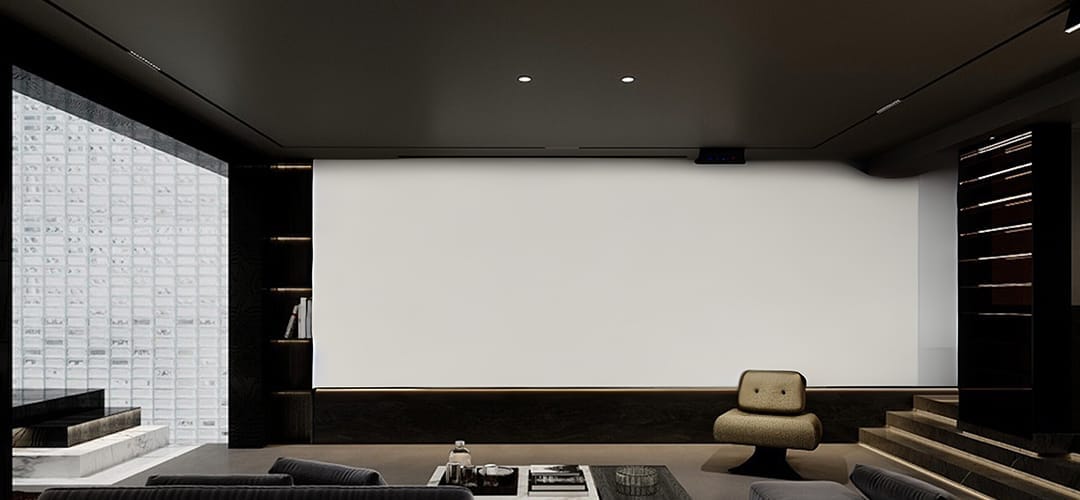
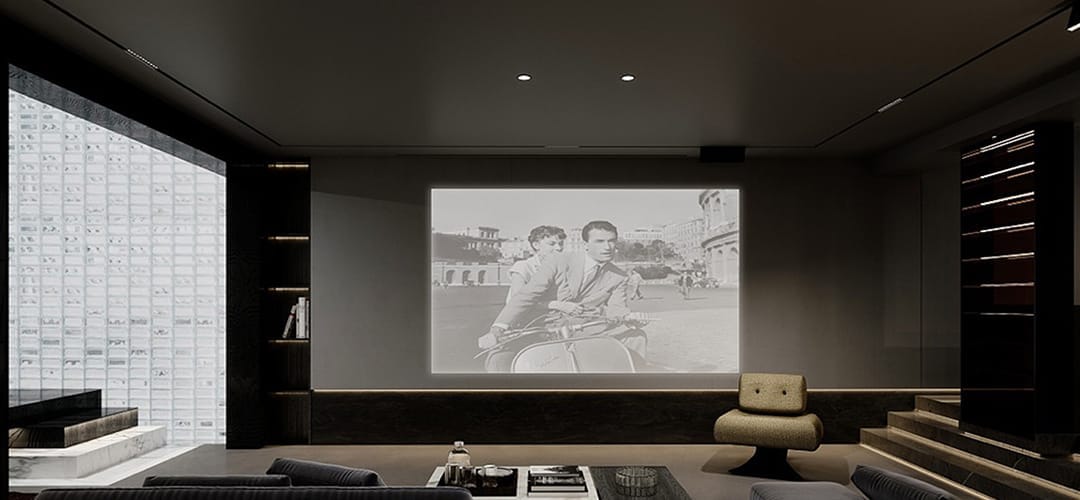
See the Transformation
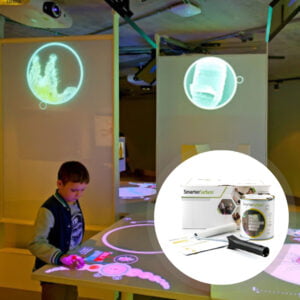
Check the difference in projection quality when enhancing from a regular wall surface.
Customer Testimonials
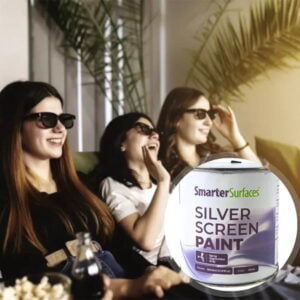
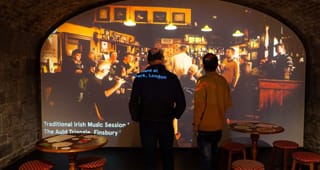
Hear from commercial and residential users who have upgraded their projection environments using surface solutions.
Case Studies
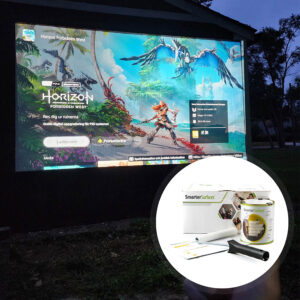
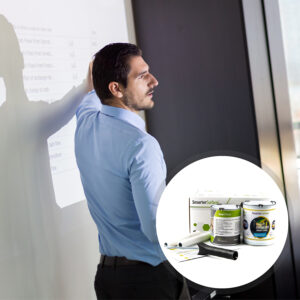
Browse how organisations across different sectors have elevated their spaces with specialist surface solutions to achieve outstanding performance results.

FAQ's
General Product Questions
What is gain value, and why is it important for projector screens?
Projector screen gain measures how much light a screen reflects back to the viewer compared to a standard matt white screen. It is important because it affects image brightness and viewing angles. Higher gain produces a brighter image but with a narrower viewing angle, while lower gain offers wider viewing angles with more consistent image quality.
Does a higher gain always mean a better image?
No, a higher gain projector screen doesn't automatically guarantee a better image quality. While it can provide a brighter image from certain angles, it may result in diminished brightness from other perspectives. Higher gain screens typically have a smaller viewing angle.
How do I determine the ideal gain for my projector screen?
The standard gain for a projector screen is 1.0, which ensures equal brightness from all sides and is visible from multiple angles. However, the ideal gain depends on the viewer's preferences and the specific environment. Your projector specification must also consider the pros and cons of high and low gain screens to determine the best fit for your needs.
What are the pros and cons of high gain screens?
High gain screens offer clear and visible images in bright settings, enhance visibility in dark conditions, reflect minimal light from walls and ceiling, and are effective in eliminating light from fabric screens resistant to general lighting. But they have a reduced viewing angle for viewers not in the middle, require viewers to sit directly opposite the screen for optimal brightness, may not be bright enough for larger audiences due to restrictive viewing angles, and are not ideal for outdoor viewing.
What are the pros and cons of low gain screens?
Low gain screens provide a more expansive viewing angle for larger audiences, diffuse light evenly across a wider angle for an equal viewing experience, and reduce projector brightness for indoor settings. But they are not ideal for outdoor viewing due to reduced brightness, rejecting some light from the projector, and may not provide ample contrast to view all images clearly.
What is the gain value of Smarter Surfaces Black Projector Screen Paint?
The gain value of Black Projector Screen Paint is .20 @ 90°
Application & Usage
How To Use Black Projector Screen Paint?
Once applied to your wall by roller or spray, the Black Screen Paint is ready for use as a projection surface once fully dry this takes 24 hours. Simply set up your projector as needed and aim towards the painted wall. Black Projector Screen Paint can be used with most projectors over 2500 lumens. They are suitable for use on plaster, wall boards, wood, metal or any smooth surface.
What type of projectors can be used with Black Projector Screen Paint?
Black Projector Paint is suitable for use with most projectors above 2500 lumens.
Surface Prep & Priming
What surfaces can Black Projector Screen Paint be applied to?
Black Projector Screen Paint is suitable for use on plaster, wallboards, wood, metal, smooth concrete, and composites. It can be applied to fabrics and is suitable for painting or refurbishing old screens, but not suitable for roll-up screens. It is intended for interior use only. For exterior projection, use the Outdoor Projection Paint.
Do I need to prime the surface before applying Black Projector Screen Paint?
We recommend applying Black Projector Screen Paint onto a previously primed or painted surface. Prime bare, untreated surfaces with one coat of White Primer.
Cleaning & Maintenance
How do I remove the black projector screen paint from my skin?
In case of contact with skin, rinse skin with warm soapy water.
What do I do if I spill the black projector screen paint?
Use warm water to clean the paint.
Functionality & Performance
Does the Black Projector Screen Paint work with blended projections?
Yes, Black Projector Screen Paint is suitable for blended projections and can be used to create seamless, large-scale displays from multiple projectors. Its advanced formulation provides excellent colour accuracy, uniform brightness, and light diffusion, helping ensure smooth transitions between projected images.
It also eliminates the need for large, expensive physical screens, offering a more flexible and cost-effective solution for immersive installations, theatres, presentations, and other large-format projection applications.
Why are the Projection Paints Acoustically Transparent?
Projection paints are considered acoustically transparent because they do not affect the sound absorption performance of the surface they are applied to. Testing on a 12mm gypsum board showed identical Sound Absorption Coefficient (SAC) values for both unpainted and painted surfaces (α = 0.04 - 0.07).
As the painted board performs the same as the unpainted board across the tested sound frequencies, the paint does not alter how sound passes through or is absorbed by the surface. This demonstrates that the projection paint remains acoustically transparent while providing a high-quality projection surface.
Does the Black Projector Screen Paint work well with both 2D and 3D Projectors?
Our entire range of projector paints is compatible with both 2D and 3D projectors, ensuring optimal performance regardless of the projection mode. When projecting a 3D image onto the paint, it seamlessly delivers the intended effect, creating an immersive viewing experience when paired with 3D glasses.
How is Black Projector Screen Paint ‘Polarity Preserving’?
3D projectors work by projecting two slightly different images which overlap on the screen. These images are passed through special optical filters which results in the light being polarised in a different way for each of the projections. When you view the two images through special 3D glasses, each lens blocks one of the images, meaning that your left eye sees one image and your right eye the other image. It's therefore really important that the projection screen you use does not change the polarity of the light if you are using a 3D projector. All of the paint products are "polarity preserving" which means that the image you see will be exactly the same polarity as is intended, preserving the full 3D effect.
Safety & Environmental
Is Black Projector Screen Paint safe, and can it be applied around people?
Yes, Black Projector Screen Paint is safe to use and can be applied in environments occupied by both adults and children. It is a low VOC, low odour, solvent-free coating that is free from PFOA, PFOS, and isocyanates. The product has been independently certified for fire performance and indoor air quality, meeting high environmental and safety standards. As with any paint application, we recommend wearing the gloves provided in the kit and ensuring adequate ventilation during installation.
Is Black Projector Screen Paint isocyanate free?
Black Projector Screen Paint is 100% free of Isocyanates. Unlike some poorer quality products on the market we do not use isocyanates in the Black Projector Screen Paint or any of Smarter Surfaces products which is a hazardous product and should only be used by trained professionals using rigorous safety procedures.
What personal protective equipment should I use when painting?
Use the gloves supplied in the kit while applying Black Projector Screen Paint. In addition, safety glasses should be worn. As with any painting process, ensure the room is ventilated.
Is Black Projector Screen Paint flammable?
Black Projector Screen Paint is not flammable and is certified for fire performance making it certified for use in schools and offices. Black Projector Screen Paint has a very high flashpoint above 158 degrees fahrenheit.
Featured Blog Content
Explore expert guides, practical advice, and helpful tips to support you in planning and delivering your next surface or projection project.