
Interactive Projector Screen Paint
From د.إ878.00
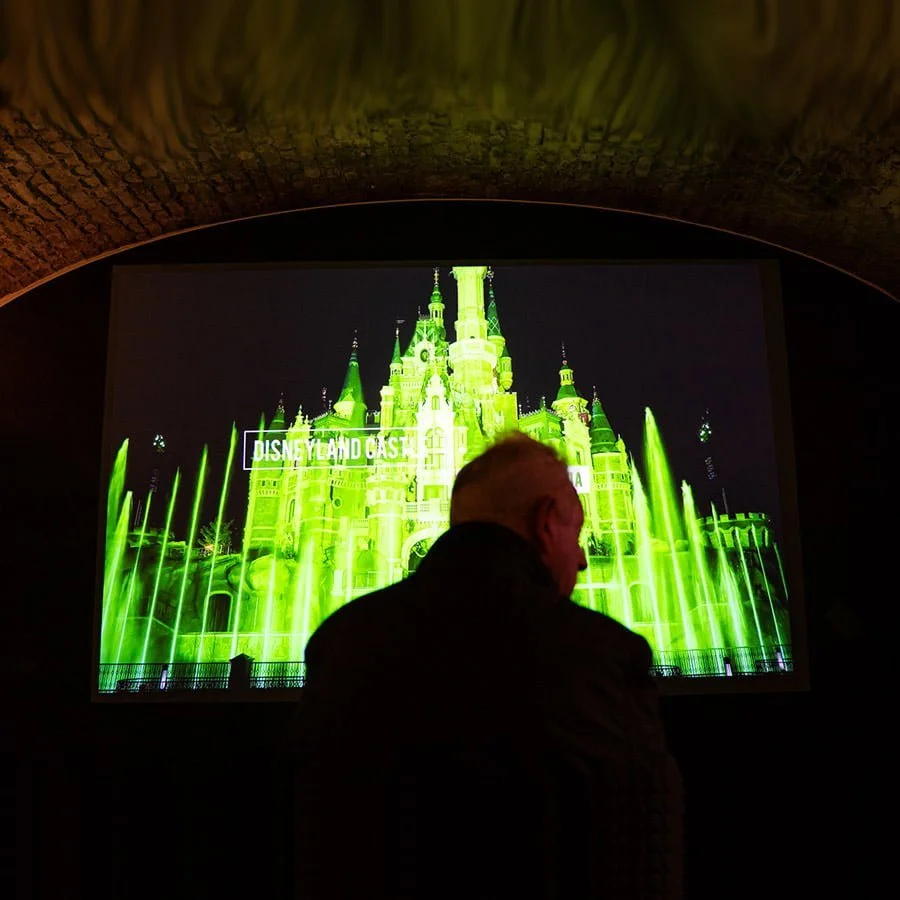
Interactive Projector Screen Paint is the first of its kind in the UAE. It turns any surface into a fully touch-responsive projection surface.
5-Year Guarantee
Touch-Enabled
Commercial-Grade
Ready within 24 Hours
- Developed for interactive touch screen projectors.
- Eliminates hotspots for clear, consistent projection.
- Works in normal to high ambient light
- Low VOC, solvent-free, and completely safe for all indoor environments.
- Suitable for concrete, wallboards, plaster, metal, wood, and composite surfaces.
Express delivery in 3-5 working days

Secured Transaction

Easy Returns

Free Shipping above AED 420

Buy now, pay later with Stripe
If you are looking for this, you might also need…
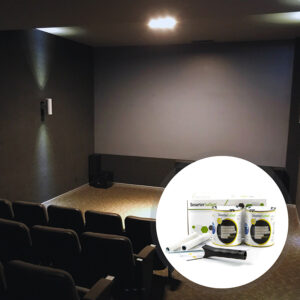
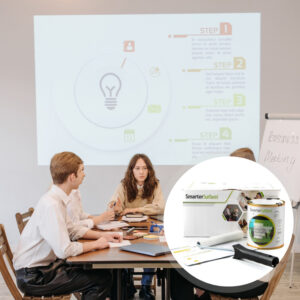
Why Choose Interactive Projector Screen Paint
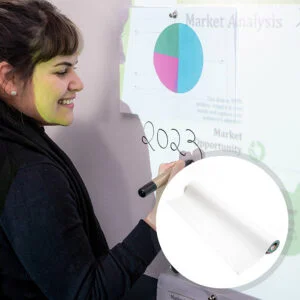
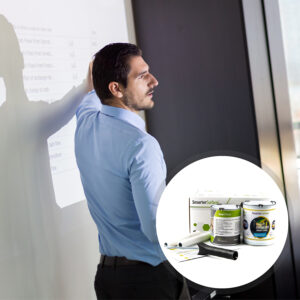
An interactive projection surface built for immersive collaboration, engaging presentations and interactive learning environments.

Interactive Surface
Creates a touch-enabled surface that supports immersive collaboration and engagement.

Built For Daily Use
Withstand daily use, giving consistent touch-responsive & cleanable performance over time.

Touch Projector Ready
Use with touchscreen projectors to ensure precise touch accuracy across the surface.

Sharp Visuals
Improves pixel clarity & screen brightness for sharp imagery in any interactive environment.

No Bulky Screens
Replaces cumbersome screens with a sleek interactive touch wall on any smooth surface.
Technical Specifications
Product Colour
White
Product Finish
Matt
Odour
Very low
VOC
Less than 0.39%
Minimum Recommended Lumen Value:
1,000 Lumens
Gain Value @ 90 °
1.25
Lighting
Works in rooms with normal to high levels of ambient light
4K & 8K Ultra HD Ready
Projector Requirements
Interactive Projectors
Viewing Angle
140 degrees
Screen Size / Coverage / Volume:
- 4.5 m² : 320cm / 279 x 157 cm at 16:9 Aspect Ratio (1.19kg / 880ml)
- 25 m² : 764.5cm / 667 x 375 cm at 16:9 Aspect Ratio (6.58kg / 5l)
Works with top projector brands: Sony, Panasonic, Epson, BenQ, LG, and Optoma
4.5 m²
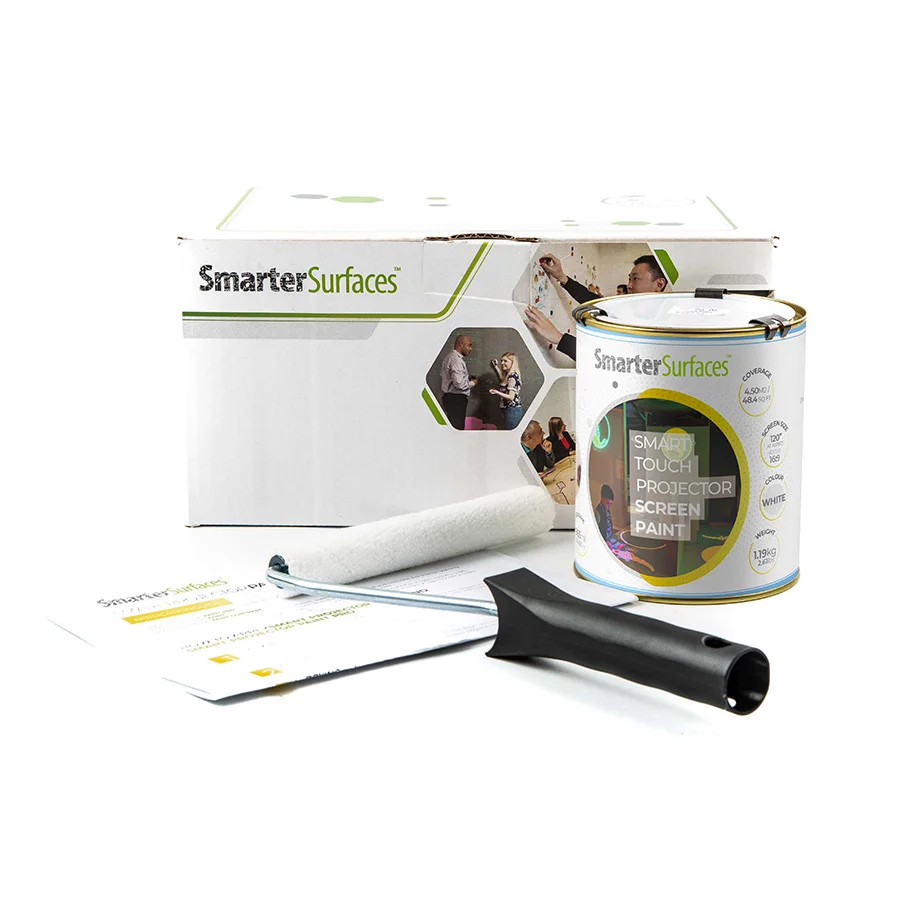
- 1 x Interactive Projector Screen Paint
- 1 x White Primer Tin
- 2 x Roller
- 1 x Roller Handle
- 1 x Application Guide
25 m²
- Interactive Projector Screen Paint
- Application Guide

Environmental
Exceeds UAE standards: PFOA/PFOS-free, low VOC, solvent-free, and isocyanate-free.
Surface Quality
Gypsum Surface Finish Quality Standard.
Certification
Independently tested with the Projection Performance Certification CREST

Orders placed before 3:30 pm GST (Monday-Friday) are processed the same day. Orders received after this time or over the weekend will be processed on the next working day. We use trusted third-party courier services for delivery, and all delivery times are provided as estimates.
Estimated Delivery (Working Days):
UAE:
- Express: 3 working days
- Free Shipping on orders above AED 420: 4-5 working days
- See delivery times for other locations.
Use Cases

Offices
- Boardrooms
- Innovation hubs
- Meeting rooms
- Training rooms

Education
- Interactive classrooms
- Lecture theatres
- STEM labs
- Seminar rooms

Commercial
- Conference venues
- Simulation rooms
- Museums & galleries
- Interactive displays

Home
- Home cinemas
- Gaming rooms
- Media rooms
- Study spaces
Not sure if Interactive Projector Screen Paint is right for you?
Get specialist guidance before making your decision.
Smarter Surfaces experts will help you build an interactive projector wall perfectly matched to your projector setup and room environment.
How to Apply Interactive Projector Screen Paint
Follow these steps to create a fully functioning interactive touch screen wall. Designed for indoor use only.

Step 1 - Surface Prep
Ensure the surface is clean and free from dust. Fill any cracks and sand the surface smooth.
Step 2 - Primer
Apply white primer evenly across the surface to create a uniform base. Allow it to dry fully.

Step 3 - Apply Paint
Apply two coats using a lint-free roller, allowing 2 to 4 hours drying time at 20°C between coats.

Step 4 - Curing Time
Ensure a smooth, even finish for optimal projection and touch interaction. The surface will be touch-dry within 1 hour and usable after 24 hours.
Watch Our Step-by-Step Video Application Guide
Suitable Surfaces
Transform any smooth surfaces into collaborative spaces
Walls and Wallboards
Concrete and Plaster
Wood and Furniture
Metal and Smooth Surfaces
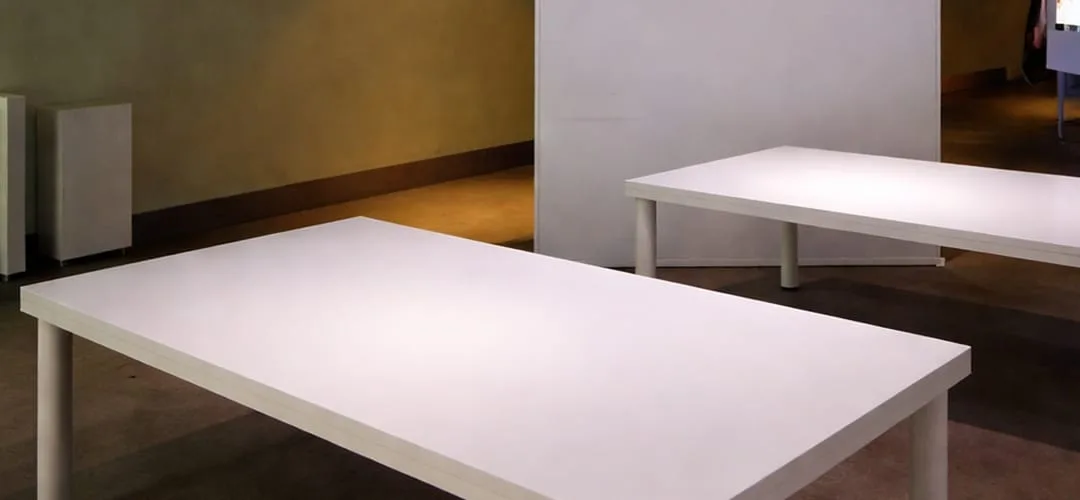
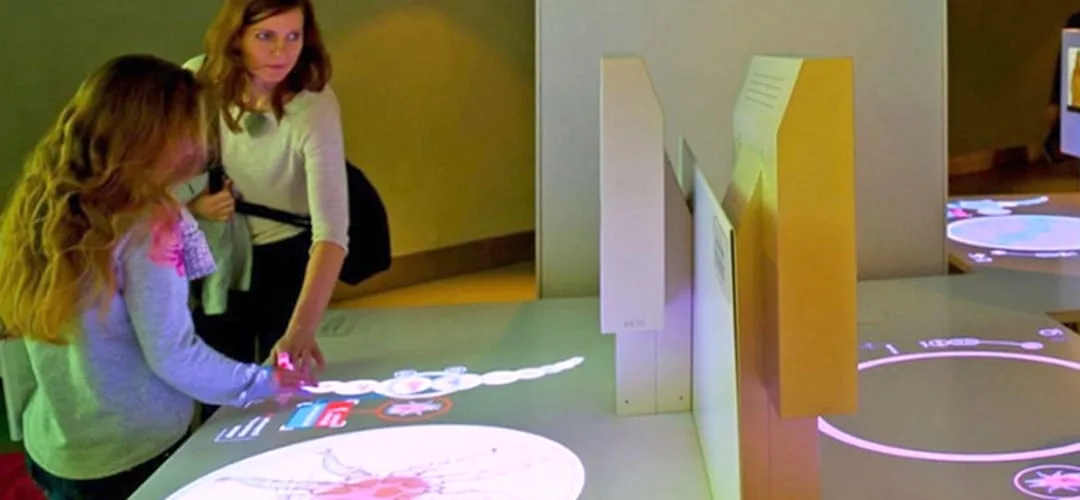
See the Transformation
See real before-and-after results of interactive projector screen paint.
Customer Testimonials
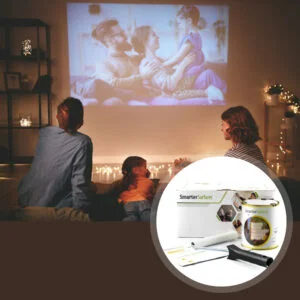
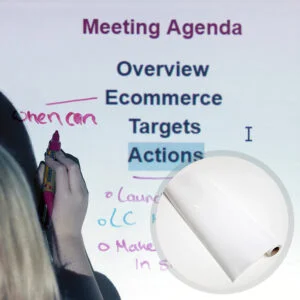
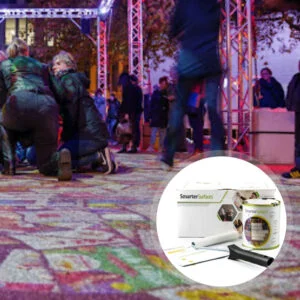
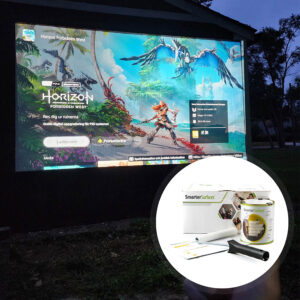
See how commercial spaces are using Smarter Surface solutions to create engaging environments.
Case Studies
See how Smarter Surface solutions have transformed spaces across schools, offices and commercial environments.

FAQ's
General Product Questions
What is the recommended lighting to use along Interactive Projector Screen Paint?
We recommend normal to high levels of ambient light.
Where Interactive Projector Screen Paint can be used?
Interactive Projector Screen Paint is a solution for users looking to create an interactive projection screen for immersive learning or collaboration. Specially developed to be used with a touch screen projector, this interactive screen paint is suitable for classrooms, offices and meeting rooms. Its key feature is its resistance to human touch, staining and its cleanability.
Application & Usage
What surfaces can Interactive Projector Screen Paint be applied to?
Interactive Projector Screen Paint is suitable for use on any smooth surface such as plaster, wallboards, wood, metal, concrete, and composites. It can be applied to fabrics and is suitable for painting or refurbishing old screens, but not suitable for roll-up screens. For interior use only.
Does the Interactive Projector Screen Paint work with blended projections?
Yes, Interactive Projector Screen Paint is suitable for blended projections. It provides excellent colour accuracy, uniform brightness, and light diffusion, helping create smooth transitions between multiple projected images. It is an ideal solution for creating large, seamless projection surfaces without the need for traditional screens.
Does the Interactive Projector Screen Paint work well with both 2D and 3D Projectors?
Our entire range of paints is compatible with both 2D and 3D projectors, ensuring optimal performance regardless of the projection mode. When projecting a 3D image onto the paint, it seamlessly delivers the intended effect, creating an immersive viewing experience when paired with 3D glasses.
Surface Prep & Priming
Do I need to prime the surface before applying Interactive Projector Screen Paint?
Yes, we recommend applying Interactive Projector Screen Paint onto a previously primed or painted surface. For bare surfaces, use one coat of White Primer.
Cleaning & Maintenance
How can I clean my Interactive Projector Screen Paint?
The surface is wipeable and washable. Clean with water or a mild detergent solution. For stubborn stains use the Smarter Surfaces everyday cleaner.
How do I remove the interactive projector screen paint from skin?
Wash affected skin with warm soapy water.
What do I do if I spill the paint?
Clean with water.
Functionality & Performance
Why the Projection Paints Are Acoustically Transparent?
Smarter Surfaces projection paints are acoustically transparent because they do not affect the sound absorption performance of the surface they are applied to. Testing on a 12mm gypsum board showed identical Sound Absorption Coefficient (SAC) values before and after painting (α = 0.04–0.07), confirming that sound passes through the painted surface without any measurable impact on acoustic performance.
How is Interactive Projector Screen Paint ‘Polarity Preserving’?
3D projectors work by projecting two slightly different images which overlap on the screen. These images are passed through special optical filters which results in the light being polarised in a different way for each of the projections. When you view the two images through special 3D glasses, each lens blocks one of the images, meaning that your left eye sees one image and your right eye the other image.
It's therefore really important that the projection screen you use does not change the polarity of the light if you are using a 3D projector. All of the paint products are "polarity preserving" which means that the image you see will be exactly the same polarity as is intended, preserving the full 3D effect.
Why is gain important for projector screens?
Gain affects the brightness of the projected image and the quality of viewing angles. It determines how well the screen reflects light and impacts the clarity and width of the viewing angle.
What is gain value, and does a higher gain always provide a better image?
Gain measures how much light a projector screen reflects to the viewer. Higher gain screens produce a brighter image but typically have a narrower viewing angle.
A higher gain does not always mean a better image. The ideal gain depends on factors such as ambient light, projector brightness, screen size, and viewing position, balancing brightness with viewing angle and image consistency.
How do I determine the ideal gain for my projector screen?
The standard gain for a projector screen is 1.0, which ensures equal brightness from all sides and is visible from multiple angles. However, the ideal gain depends on the viewer's preferences and the specific environment. Consider the pros and cons of high and low gain screens to determine the best fit for your needs.
What are the advantages and disadvantages of high gain screens?
High gain projector screens are designed to increase image brightness, making them a good choice for rooms with ambient light or situations where a brighter image is required. They can improve image visibility, enhance contrast, and reduce the impact of light reflecting from surrounding walls and ceilings.
However, high gain screens typically have a narrower viewing angle, meaning viewers seated away from the centre may experience reduced brightness and image quality. For the best performance, the audience should be positioned directly in front of the screen. Due to these viewing angle limitations, high gain screens may be less suitable for large audiences or wide seating arrangements and are generally not recommended for outdoor viewing environments.
What are the advantages and disadvantages of low gain screens?
Low gain projector screens offer wide viewing angles, making them ideal for larger audiences as they distribute projected light more evenly across the screen. This helps ensure a consistent viewing experience from different seating positions and can reduce excessive brightness in controlled indoor environments.
However, low gain screens reflect less light back to viewers, resulting in lower overall brightness. As a result, they are generally less suitable for outdoor use or brightly lit spaces and may provide lower contrast compared to higher gain screens, which can affect image clarity in challenging lighting conditions.
Safety & Environmental
Is Interactive Projector Screen Paint isocyanate free?
Interactive Projector Screen Paint is 100% free of Isocyanates. Unlike some poorer quality products on the market we do not use isocyanates in the Interactive Projector Screen Paint or any of Smarter Surfaces products which is a hazardous product and should only be used by trained professionals using rigorous safety procedures.
What personal protective equipment should I use when painting?
Use the gloves supplied in the kit while applying Interactive Projector Screen Paint. In addition, safety glasses should be worn. As with any painting process, ensure the room is ventilated.
Is Interactive Projector Screen Paint flammable?
Interactive Projector Screen Paint is not flammable and is certified for fire performance making it certified for use in schools and offices. Interactive Projector Screen Paint has a very high flashpoint above 158 degrees fahrenheit.
Is Interactive Projector Screen Paint safe to use, and can it be applied around people?
Yes, Interactive Projector Screen Paint is completely safe to use and can be applied in environments occupied by both adults and children. It is a low VOC, low odor, solvent-free coating that is free from PFOA, PFOS, and isocyanates, making it suitable for indoor spaces such as classrooms, offices, and homes.
Interactive Projector Screen Paint meets high environmental standards and is designed for safe indoor application. As with any paint product, we recommend wearing the gloves provided in the kit during application and ensuring the area is adequately ventilated while the coating is being applied.
Featured Blogs Content
Browse expert tips, practical guidance and creative ideas to turn any smooth surface into an interactive space for improved collaboration.